
Plan the month
Give each category one amount for the month. When you log a spend, the actual total updates, and that shop or bill sits under the category you picked.

Track income, bills, credit/debit card spends, and UPI. See what is left. Kanakku does not store card numbers or UPI IDs.
Set a number for the month. Log each card or UPI spend as it happens. Then see what is left, and where you can ease off.
Give each category one amount for the month. When you log a spend, the actual total updates, and that shop or bill sits under the category you picked.
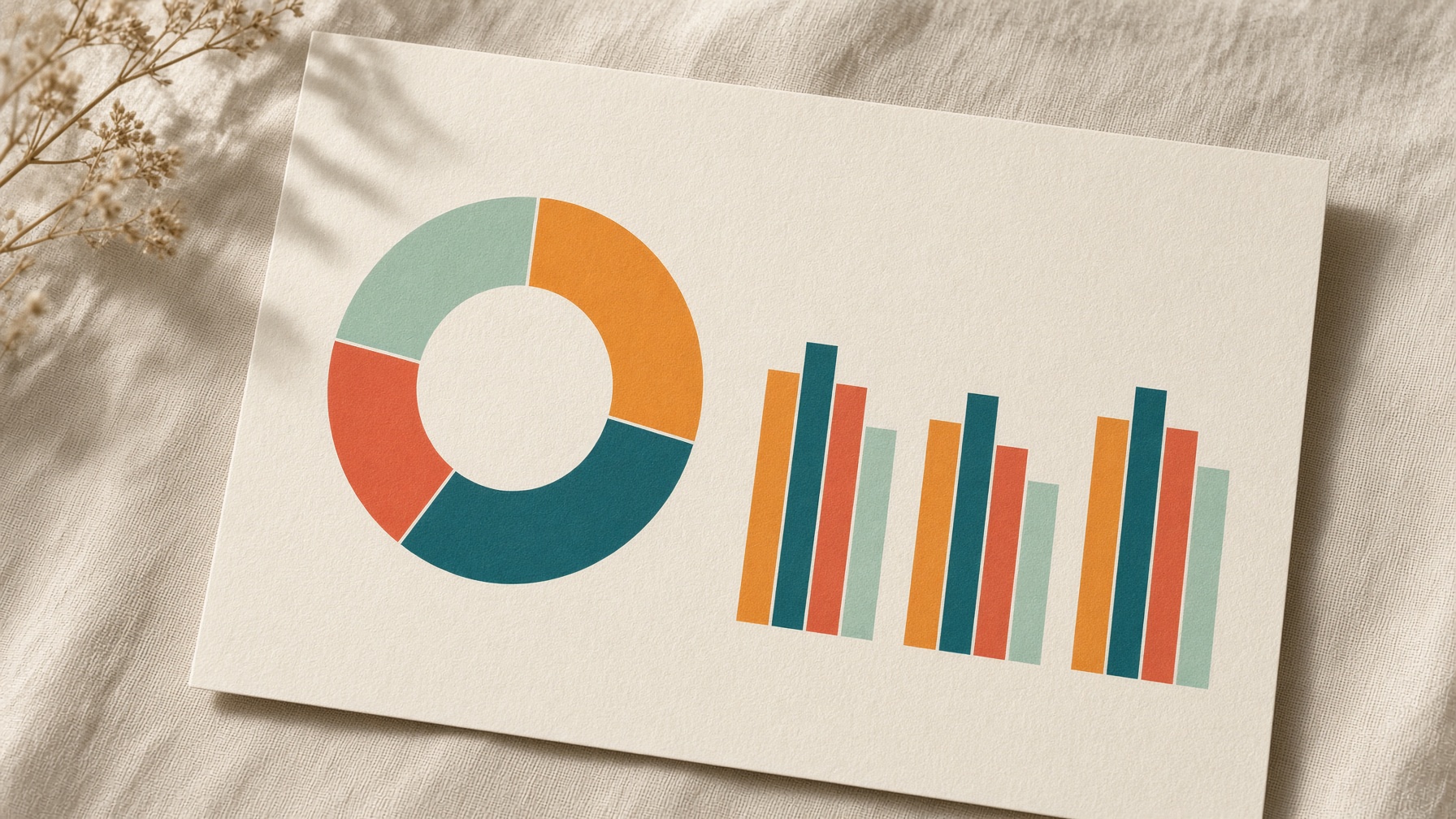
Write down the shop and the amount. The charts show the days, how the month is moving, and where the money went. There is no bank login.

See what you planned, what you have already spent, and what is still left over. The notes point to the places that are running ahead.
Kanakku does not keep card numbers, UPI IDs, or PINs. Your display name is saved with the account. Your phone number is encrypted before it is saved.
Yes. There is no fee.
In your account. Card numbers, UPI IDs, and PINs are never stored. Export a backup before you clear the ledger.
Use Log to record a spend with a category and a subcategory. On Budget, type one planned amount for that category. Actual is the total of those spends, and the subcategory shows underneath.
Rupees, dollars, euros, and pounds. Switching changes the labels. It does not convert the numbers.